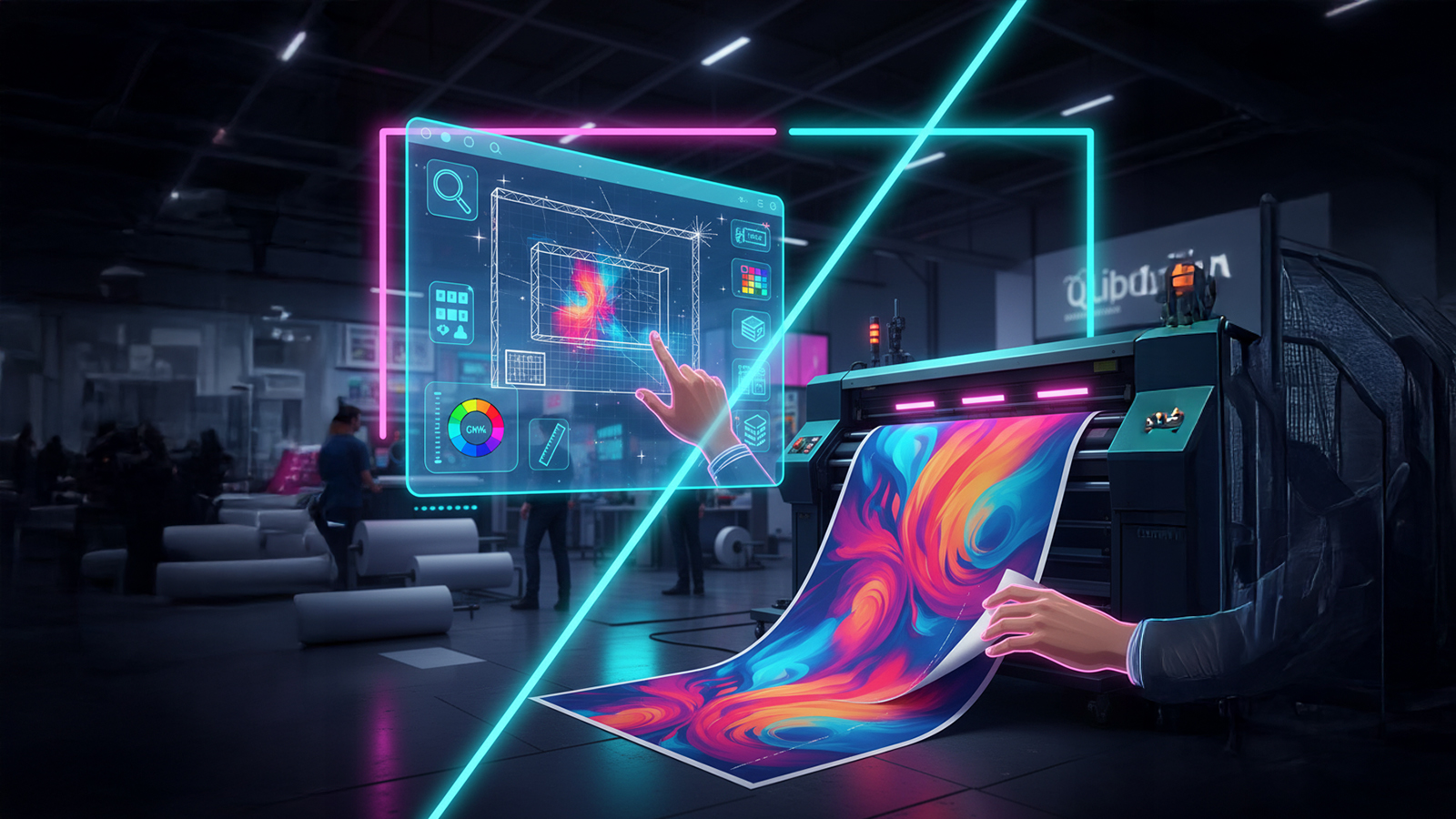
Introduction: From Digital Design to Impressive Reality
Even the best graphic design can lose its quality if not properly prepared for large format printing. Color differences, low resolution, or missing bleeds are common problems. To ensure that the final result is 100% consistent with the vision, we have prepared a short technical guide for exhibitors and graphic designers.
Format, Scale, and Bleeds – The Foundations of the Project
A design for large format printing should be prepared in 1:1 scale. Bleeds are absolutely crucial – an additional margin (usually 3-5 cm on each side) with the background or graphic extended. They allow for precise trimming of the print and avoid white stripes on the edges after installation. The finished, flattened project is best saved in a universal format that will ensure color and quality consistency.
📐 Technical Requirements - Bleeds
✅ Correct Bleeds
- • 3-5 cm on each side
- • Extended background or graphic
- • No white margins
- • 1:1 scale (actual dimensions)
❌ Common Mistakes
- • No bleeds
- • White margins
- • 1:10 or other scale
- • Important elements on the edges
Resolution and Colors – Sharpness and Color Consistency
Graphics at a booth are viewed up close, so resolution matters. The optimal resolution for bitmaps (photos) is 100-130 DPI at 1:1 scale. The color mode is equally important – all projects must be prepared in the CMYK palette. In most cases, the final production file we receive from you is a CMYK TIFF with LZW compression. This format provides the perfect balance between the highest quality and a reasonable file size.
🎨 Color Specifications
- Color Mode: CMYK
- Profile: ISO Coated v2 (ECI)
- Black: C:0 M:0 Y:0 K:100
- White: C:0 M:0 Y:0 K:0
- Format: TIFF with LZW compression
📊 Resolution
- Optimal: 100-130 DPI
- Minimum: 72 DPI
- Scale: 1:1 (actual dimensions)
- Photos: Minimum 150 DPI
- Text: Always vector
Texts, Logos, and Vectors – Guarantee of Sharpness
All texts used in the project must be converted to curves. This prevents problems with missing fonts. All logos, icons, and key graphic signs should be provided in vector format (AI, PDF, EPS, or possibly SVG). This guarantees their perfect sharpness and the ability to scale without any loss of quality. Also, remember to maintain a safe inner margin (approx. 5-10 cm from the edge) to avoid placing important elements there.
🔤 Text and Vector Checklist
💡 Expert Tip
Before sending files for printing, always make a test print of a fragment in 1:1 scale on an office printer. This will allow you to check if the colors, text sizes, and overall composition look as you expect.
The Most Common Mistakes and How to Avoid Them
Even experienced graphic designers make mistakes when preparing files for large format printing. Here is a list of the most common problems and ways to avoid them:
❌ Mistake: RGB mode instead of CMYK
Problem: Colors look different after printing
Solution: Always convert to CMYK before sending
❌ Mistake: Too low resolution
Problem: Pixelated, blurry photos
Solution: Minimum 100 DPI at 1:1 scale
❌ Mistake: No bleeds
Problem: White stripes on the edges
Solution: Add a 3-5 cm bleed on each side